First run
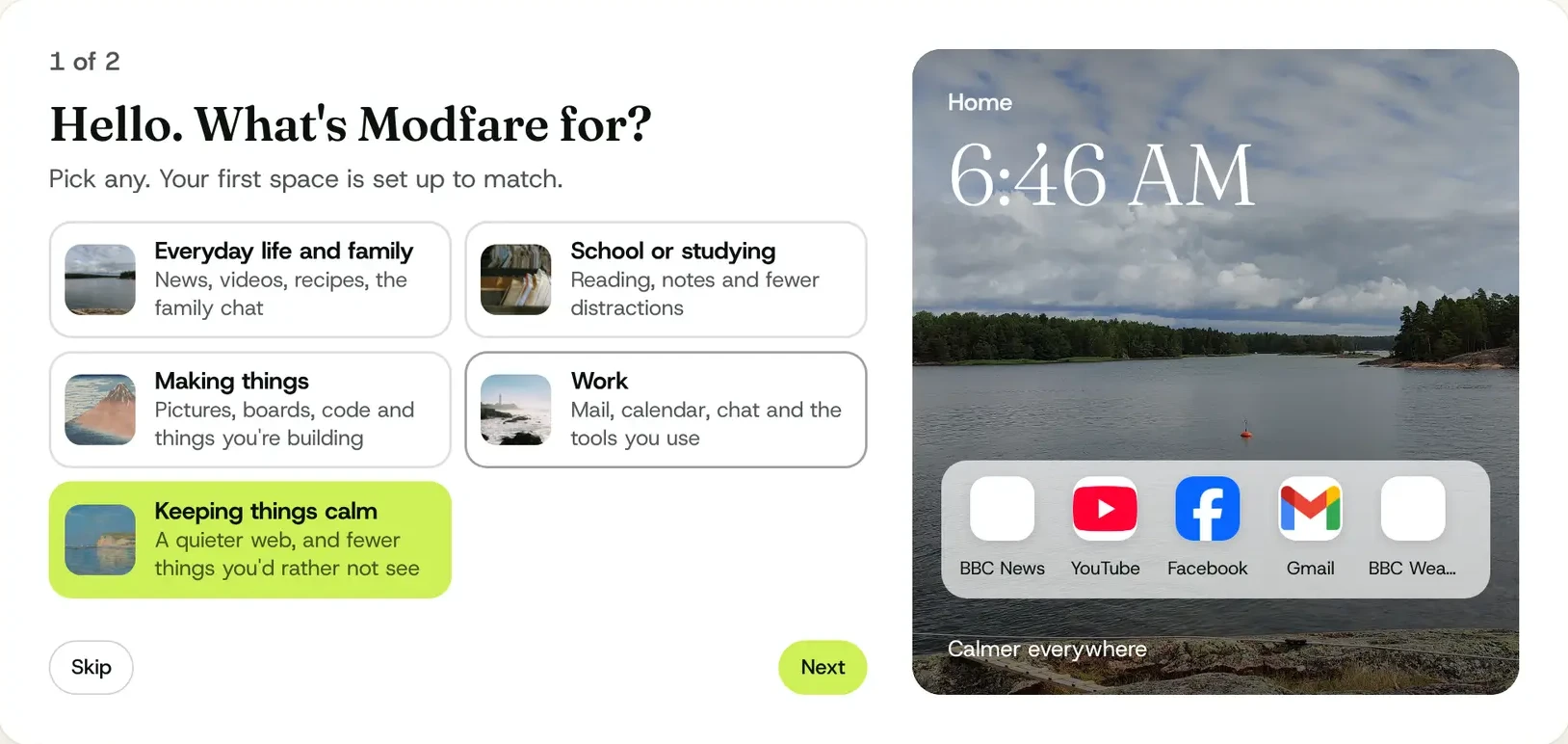
Tell it what it's for.
Everyday life, studying, making things, work, or keeping things calm. Your first space is built to match: its sites, its changes, its picture.
Modfare is a calm web browser for Mac and Windows. Hide the bits of a page you don't want, make it quieter or the words bigger, and put it all back with one click.
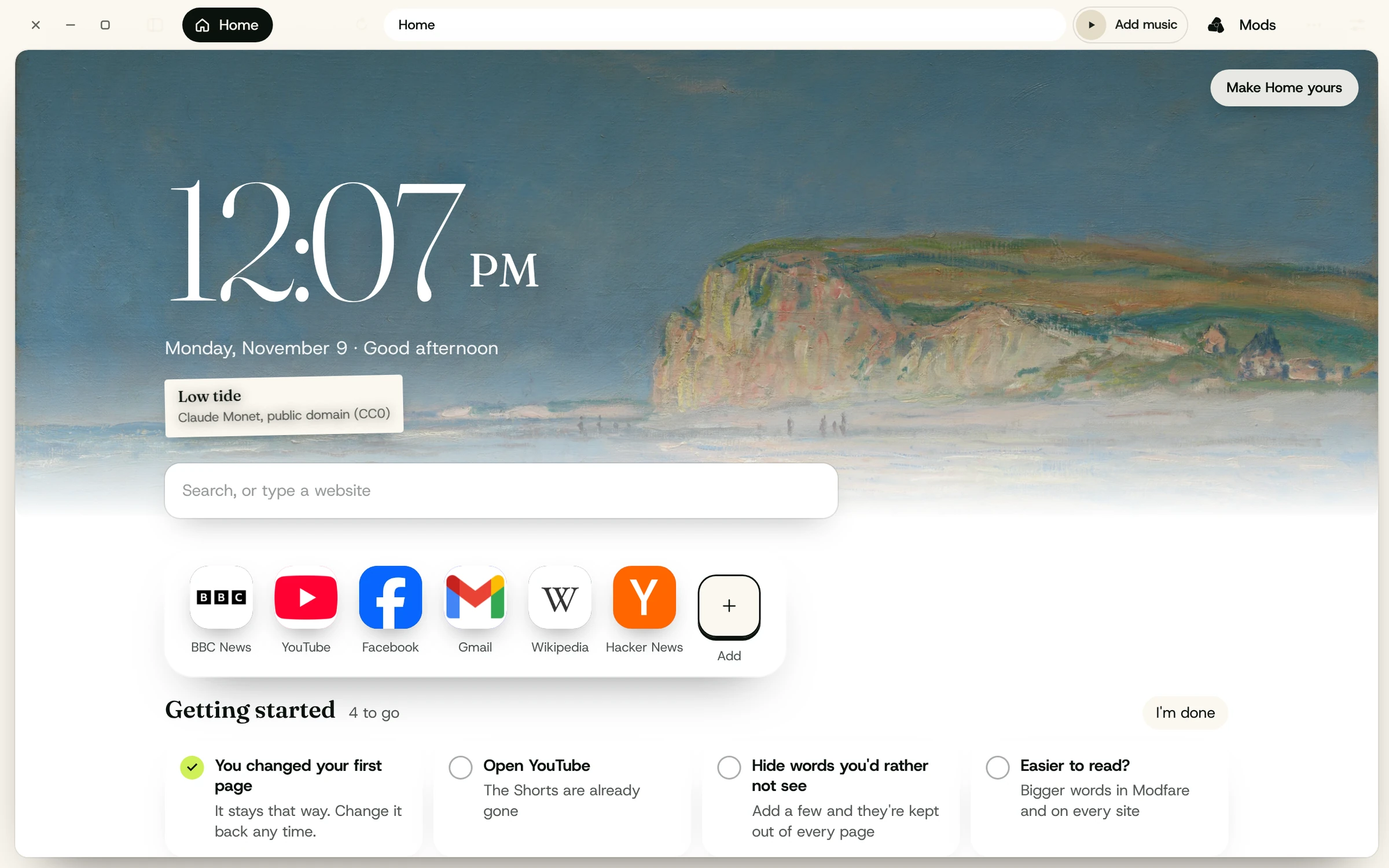
Home is the time over a painting, a dock of your sites, notes and a to-do list, and music in the bar. A little desk inside your computer.
Under it: Hokusai, Red FujiA real advert, on this page, being a nuisance. Click it.
These are real mods, working on this page now, on your computer. Nothing is sent anywhere. The lime number counts what's on, and one button puts it all back.
A mod is a change to a site. You don't need to know how it works. You point at what you'd change, and Modfare does the rest, on your computer and never on theirs.
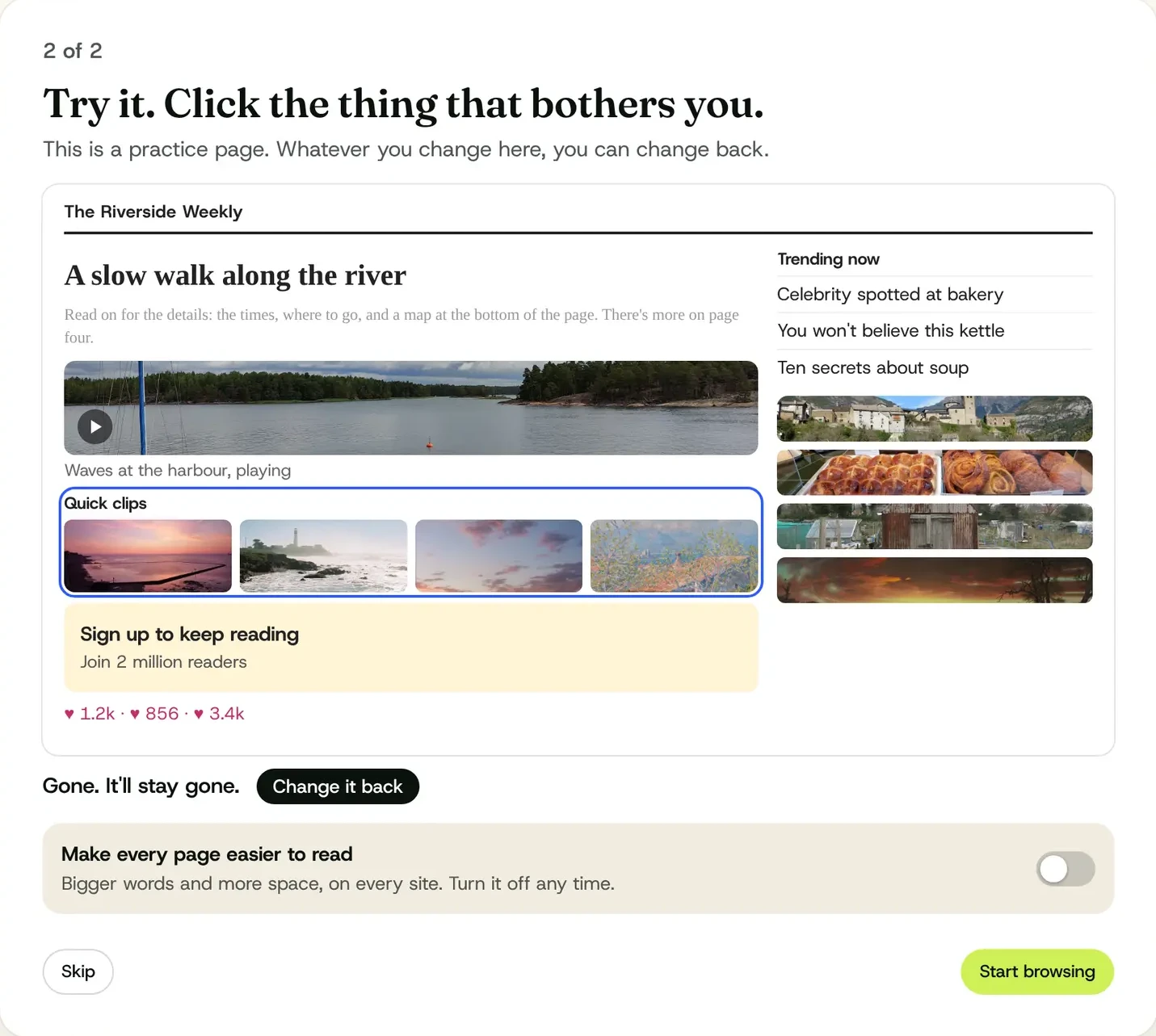
The first time you open Modfare, it shows you a practice page. Click the advert, choose Hide it, and it's gone. One more click brings it back.
That's the real first run. Try Hide it.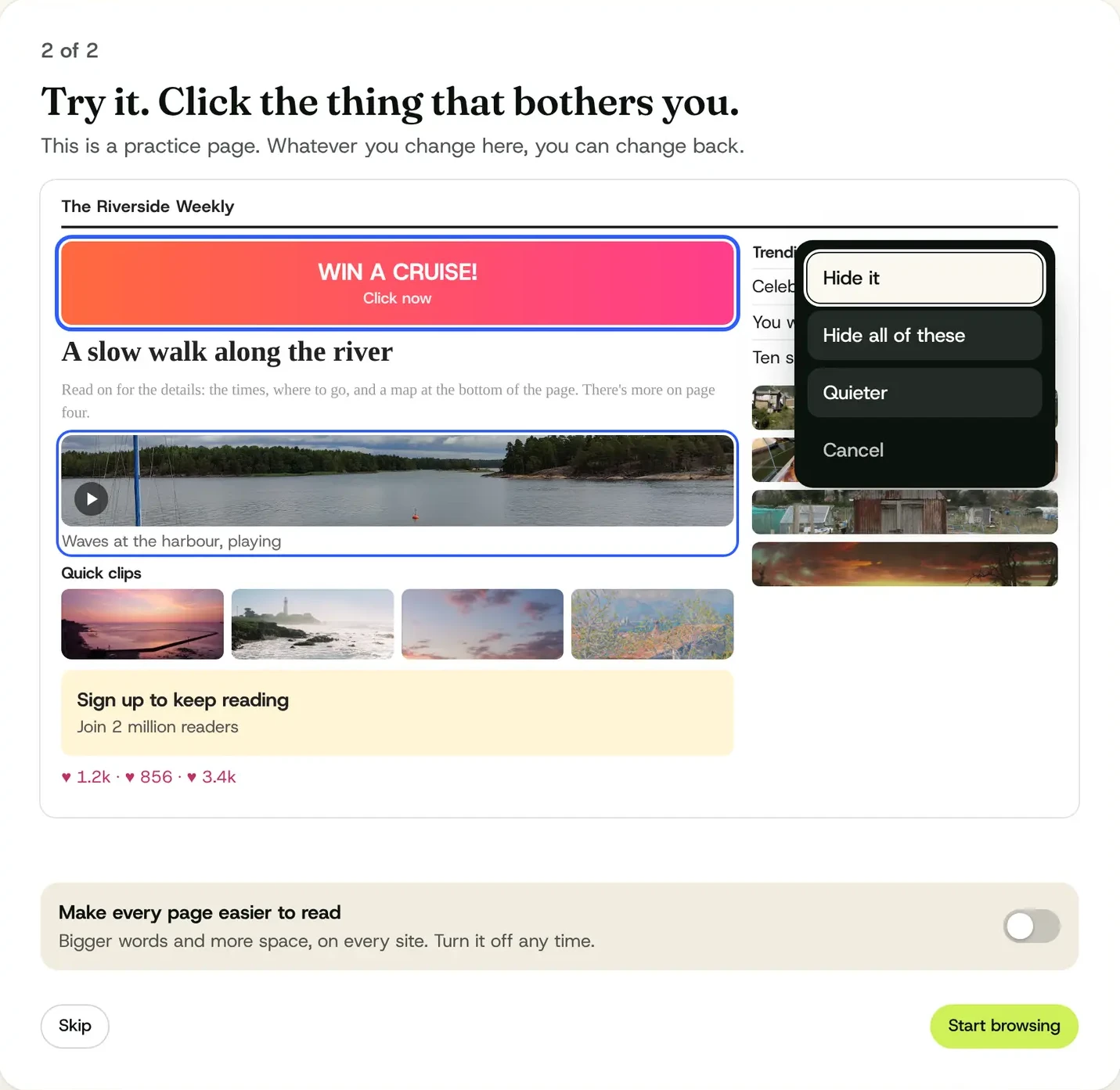
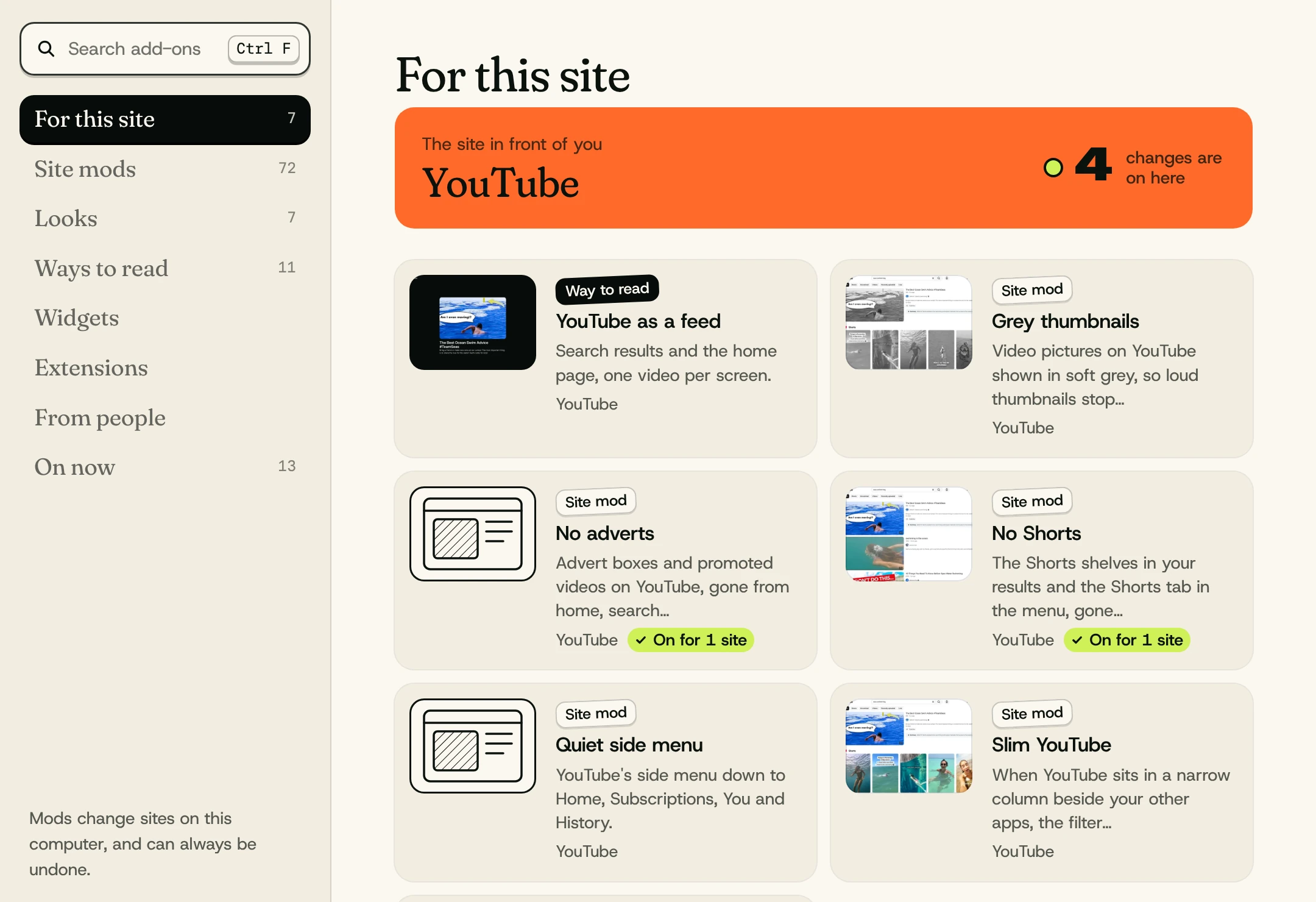
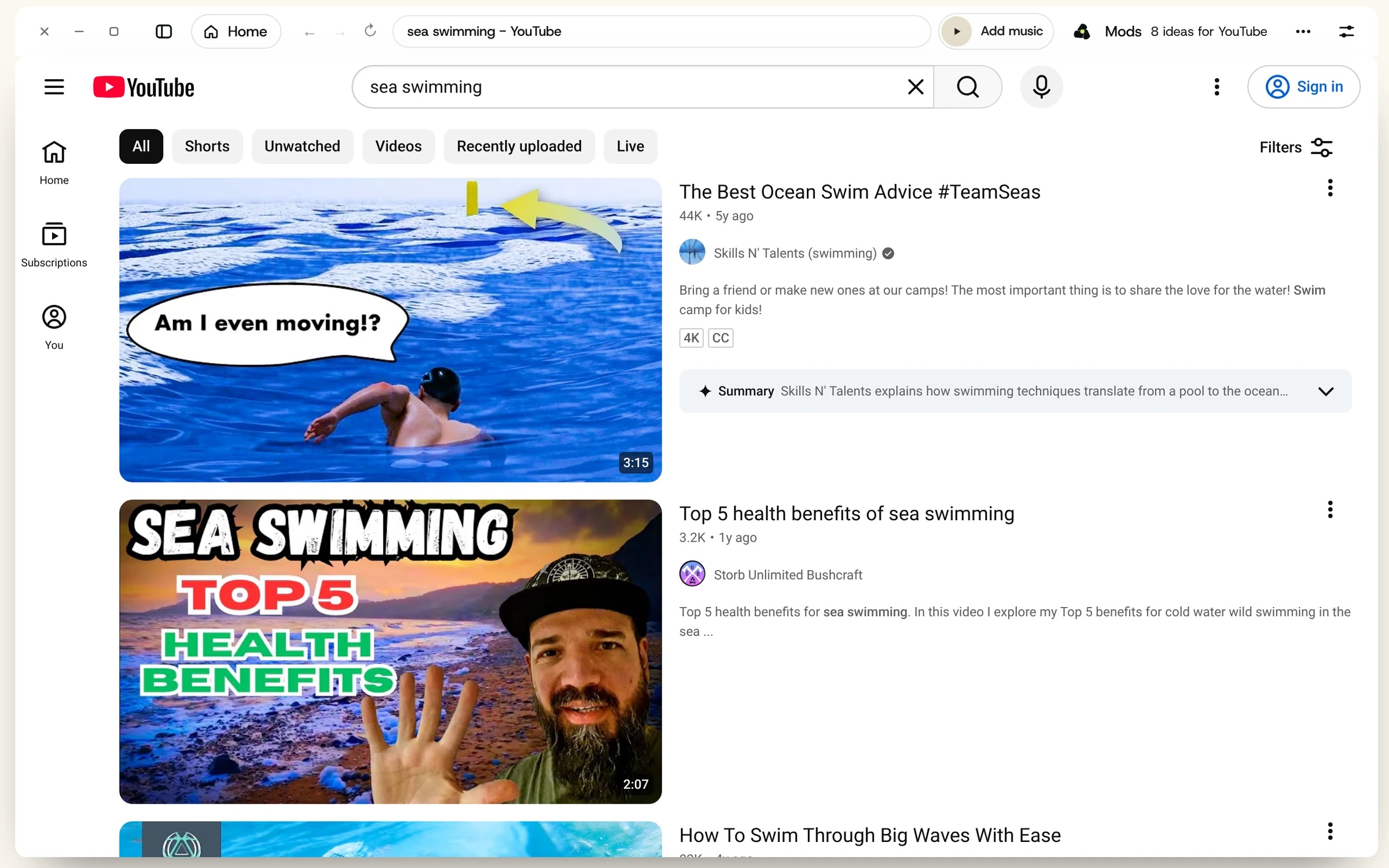
Here YouTube has four mods on, among them No Shorts and No adverts. Click one off and that part of YouTube goes back to how it was.
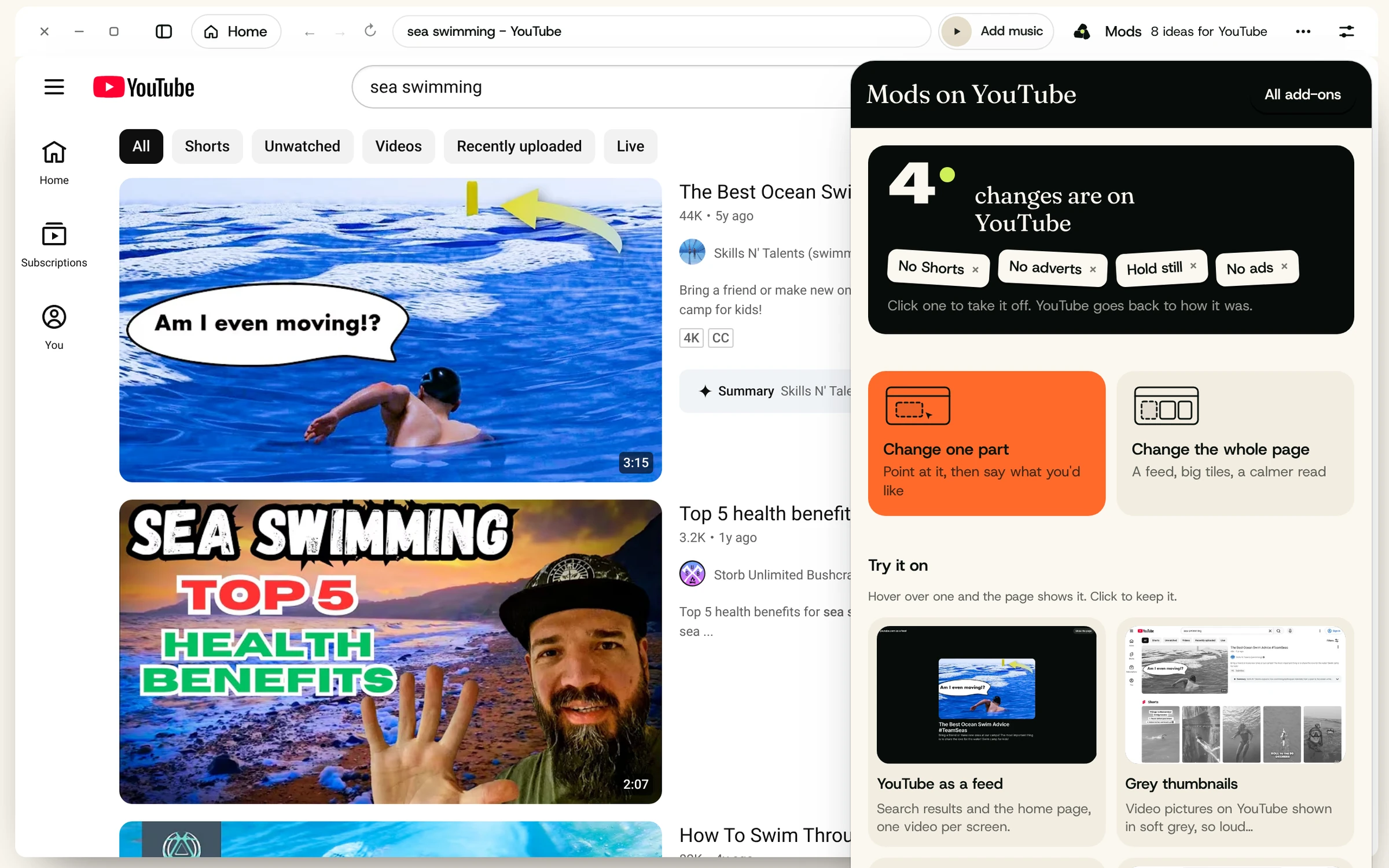
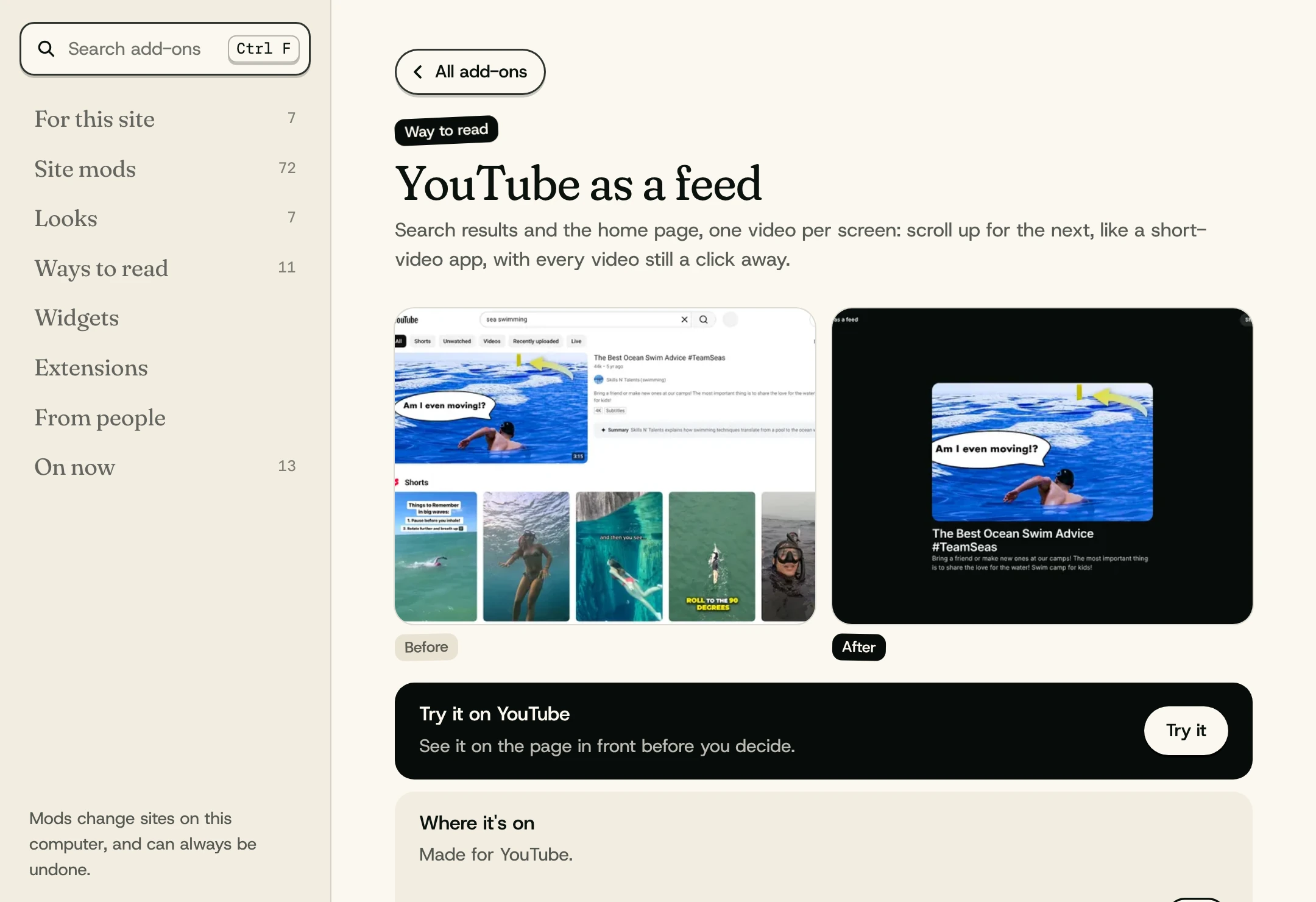
Site mods, looks, ways to read, widgets and Chrome extensions, all in one place. Each one shows you before and after, then tries itself on the page in front of you.
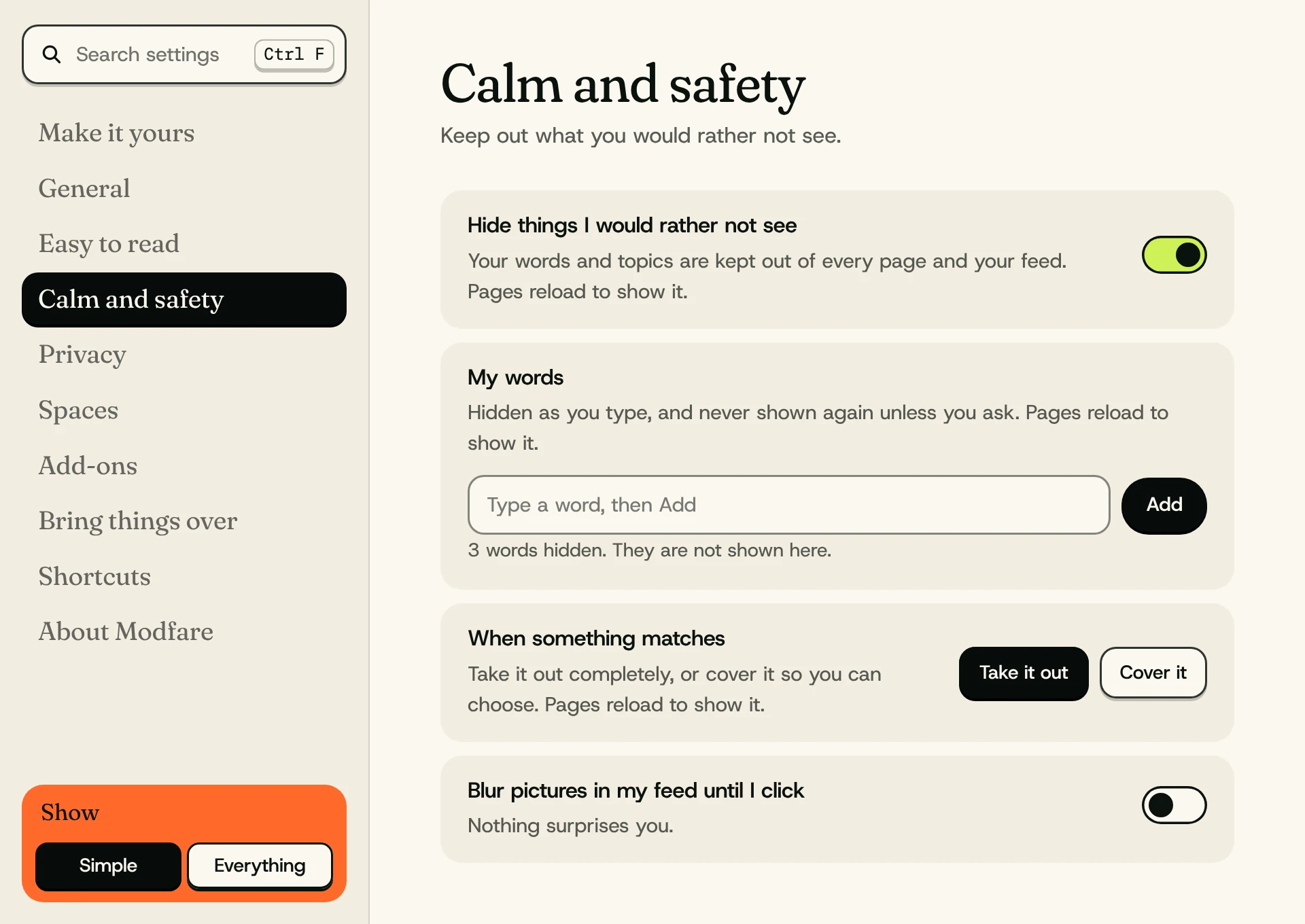
Add them once and they're kept out of every page and your feed, hidden even as you type them. The settings are in plain words, with Simple and Everything.
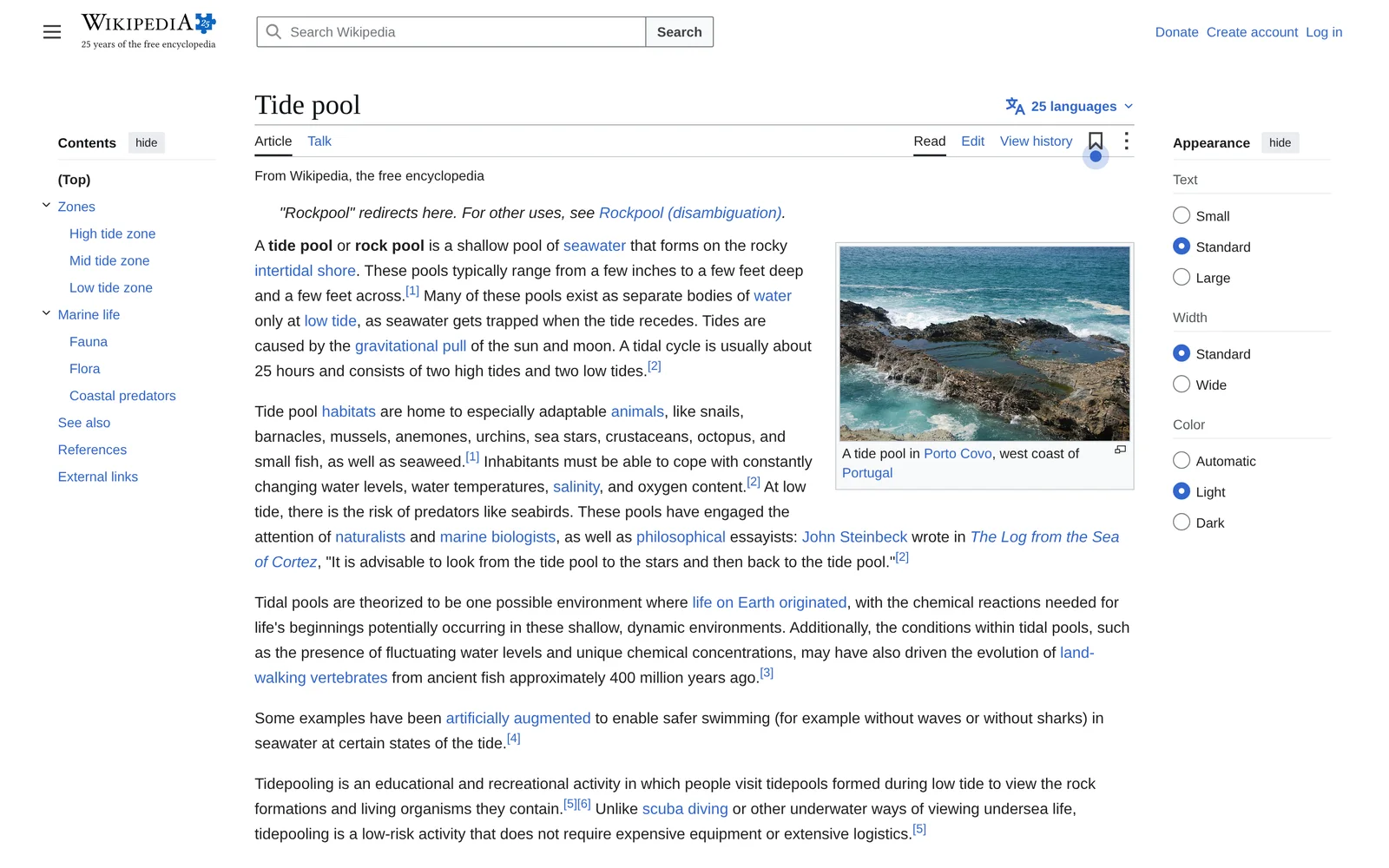
For kids, grandparents and everyone between. Simple when you want it, and as freeform as you like when you don't.
Everyday life, studying, making things, work, or keeping things calm. Your first space is built to match: its sites, its changes, its picture.
Reading room clears the clutter and sets the words large and even.
See what's on for the site in front of you, and what else it could be.
Your mods, notes, to-do list and history live on your machine. A mod changes the page in front of you, never the site itself.
Everything stays on your computer.
Who made it, which sites it's for, what it can see, and a short list of steps. Open it, change it, share it.
"name": "Calm feed",
"for": ["*"],
"asks": ["read-page"],
"steps": [
  { "do": "lens", "use": "loud",
    "on": "article" }
]
Arc showed a lot of us that a browser could feel calm and personal. It closes on 22 December. If you're looking for somewhere new, Modfare can bring your things over from Arc or Chrome the first time you open it, so your new home doesn't start empty.
 Under it: Church, Twilight
Version 0.12 is out now for Mac and Windows, as an early preview. Change anything, and change it back whenever you like.
Real changes to modfare.com, made on your computer.